


All the formats. Infinite possibilities.
YouTube offers more formats in one place than any other platform from 15-second Shorts, to 30-minute long-form, a multi-hour podcast to live streaming.
Tell your story,
your way. Only on YouTube.
There are tons of ways to create and share on YouTube. So step into main character energy and tell the story only you can tell. We can’t wait to see what you create.

Shorts

Shorts
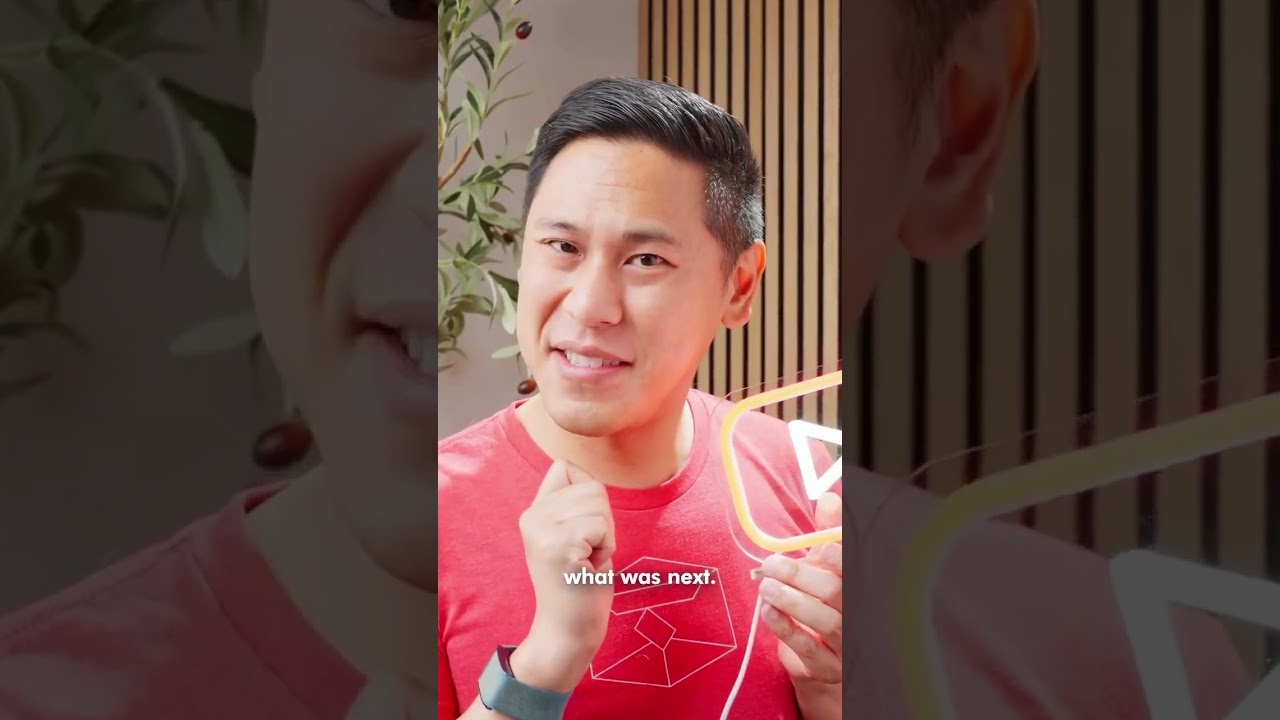
Quickly shoot and share shorter videos (3 minutes or less) from your phone.

Longform

Longform
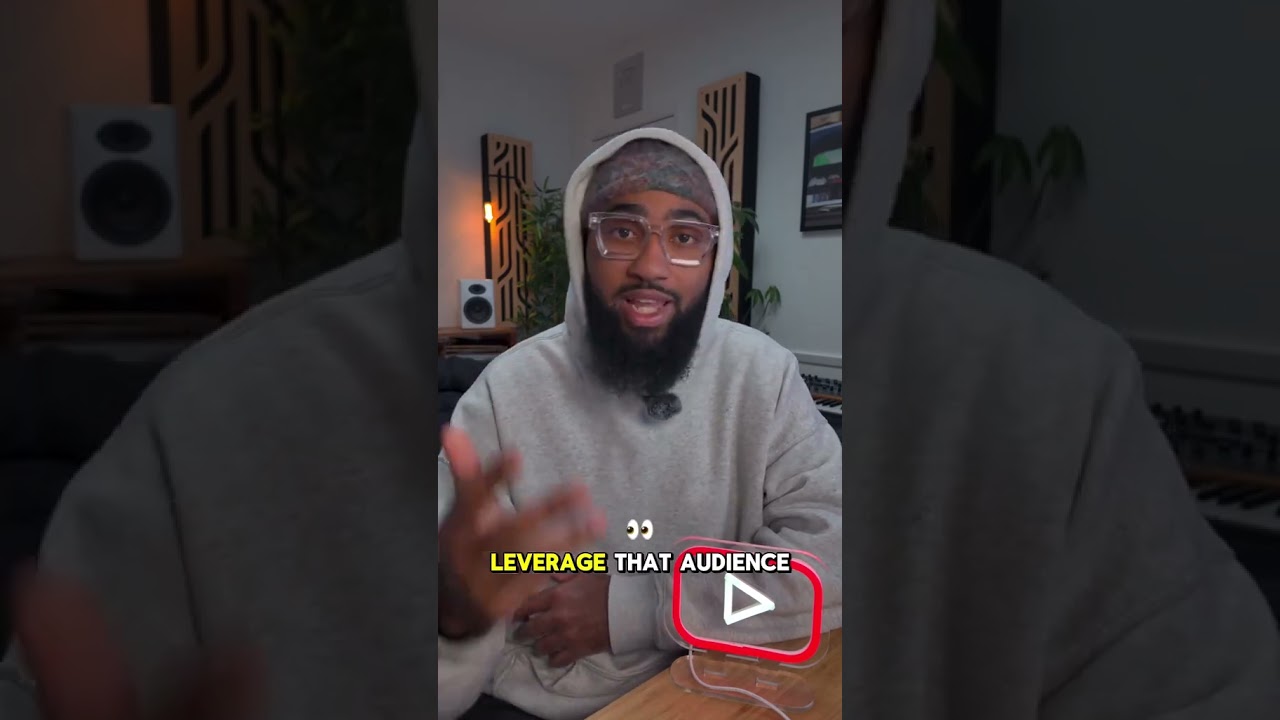
Create longer videos for in-depth stories, tutorials, and more.

Live

Live
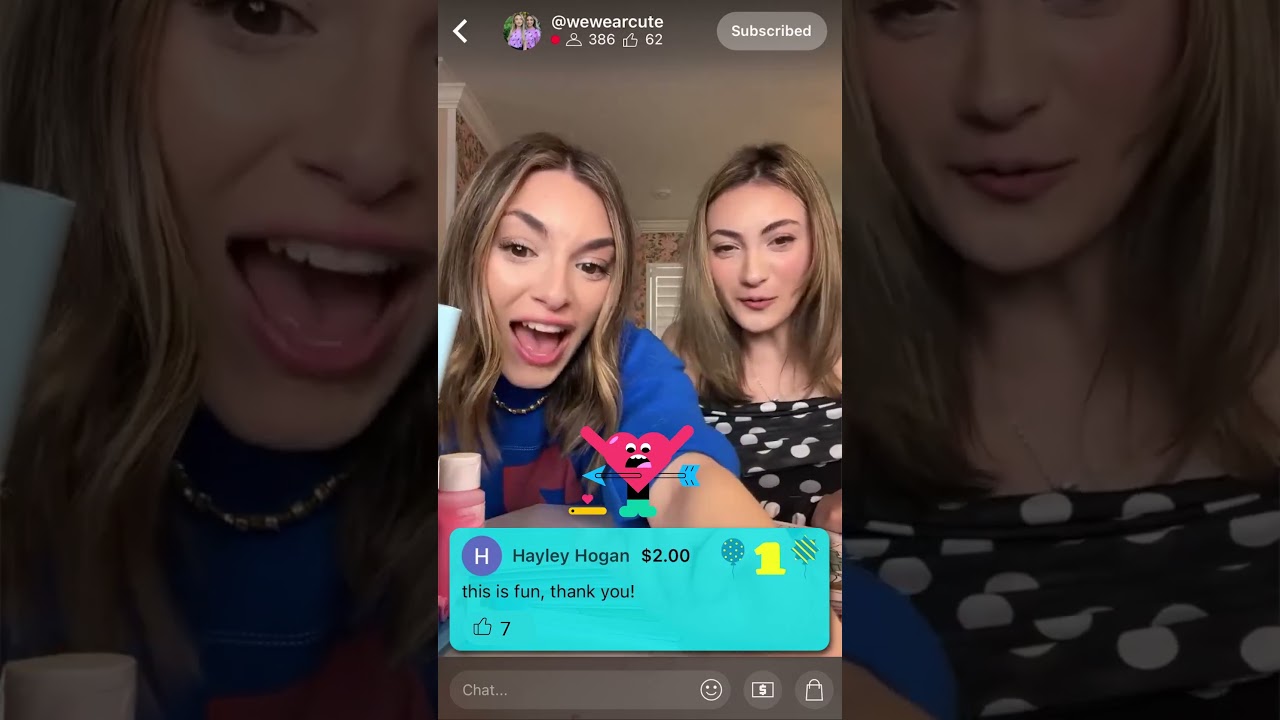
Live stream to build your community in real time.

Podcasts

Podcasts
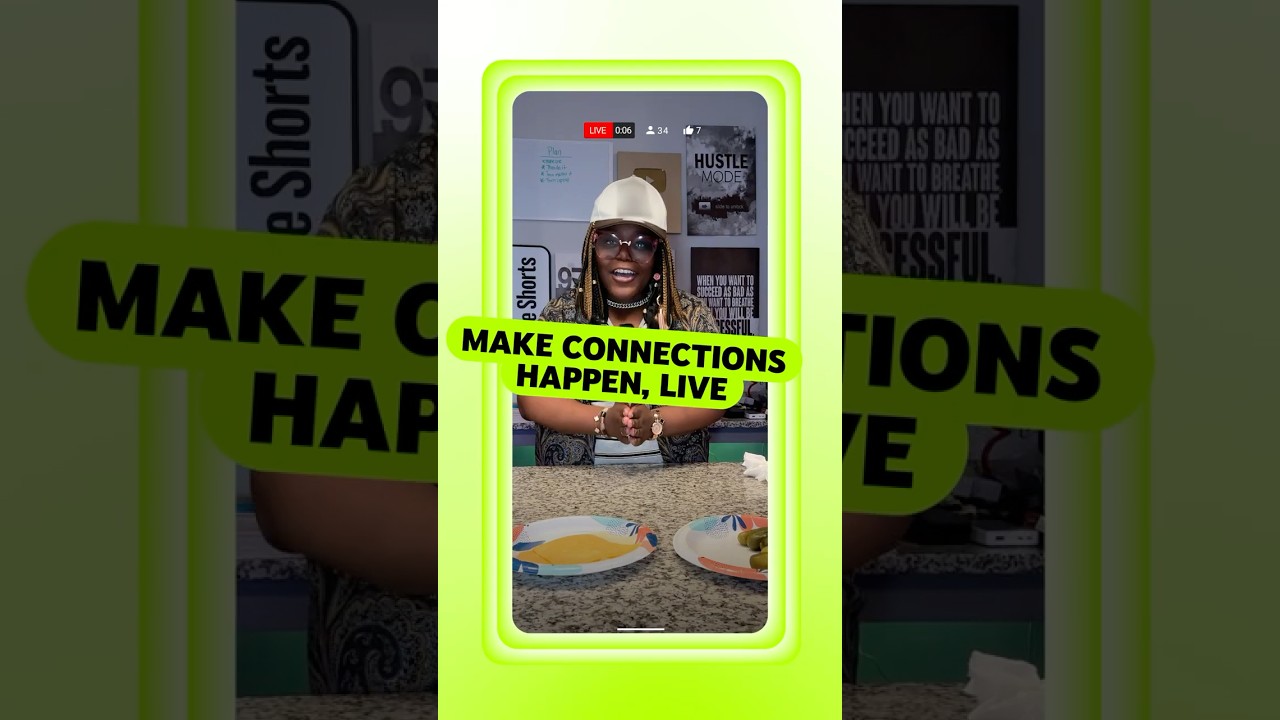
Reach new listeners and fans with full-length audio and video podcasts.

Creator success on YouTube





FEATURED
Unlock your earning potential
The YouTube Partner Program helps you monetize your passion across every format from Shorts to longform video. Plus, you’ll get exclusive perks like dedicated channel support.


FEATURED
Check out the free YouTube Create app
Transform your content using simple, powerful editing tools in the YouTube Create app. Easily add filters, effects, transitions, and royalty-free music to Shorts or longform videos. All free of charge.


*available in select markets
Frequently asked questions
There are a few ways to get started on YouTube. We offer up different formats and functionalities, giving you the flexibility to create everything from Shorts, which are vertical videos that run 60 seconds or less, to longer form videos.
No matter what you’re creating, you’ll need to start by creating a YouTube Channel.
- First you need to sign into YouTube using a Google Account.
- Once you’re signed in, click Create Account, and choose whether it’s for you or for your business.
- You can then create a YouTube channel on your account, upload videos, leave comments, and create Shorts and playlists.
Next, you’ll want to upload your videos!
- Uploading is easy. You just sign into your YouTube account and then click on the Create icon.
- If you’re planning to upload a longer form video, select Upload video and then choose your desired video file—you can upload 15 files at a time!
- If you’d like to upload a YouTube Short, you’ll need to be signed into YouTube mobile, where you’ll tap Create and then Create a Short. From here you can either upload a video from your camera roll or create using our suite of lightweight tools.
Our search and discovery systems are built to find videos that match viewers’ individual interests. We recommend videos based on things such as: what your audience watches and doesn’t watch, how much time they spend watching, what they like and dislike, if they mark a video as ‘not interested’, and on satisfaction surveys.
So, rather than trying to find a secret code to these systems, focus instead on making videos that you think will resonate with your audience. A great tool here is YouTube Analytics, which provides data that can help you understand how your existing content is performing and provide insights for future videos!
On desktop:
- Sign in to YouTube Studio.
- In the top-right corner, click CREATE and then Upload videos.
- Select the file you’d like to upload. You can upload up to 15 videos at a time. Be sure to click Edit on each file to edit your video details.
The best time to start thinking about editing is during the writing phase. By planning your edits early on, you can anticipate how your video will look and how you want your viewers to react.
Consider your camera positions, angles, and movements. Think about how your video will open and close, and what are the key moments in between. For larger projects, you can make a simple “shot list”—writing down all the shots you’ll need so you don’t forget anything.
You can optimize your videos in YouTube Studio by adding end screens and trimming sections of your video before or after publishing. You can also add music and sound effects to your video with the Audio library in YouTube Studio.


