New to YouTube? You’re in the right place.
Find everything you need to get started as a creator, from setting up your channel to uploading your first video in YouTube Studio. You’ve got this—and we can’t wait to see what you create.
First, let’s get your channel up and running
Start your channel
on YouTube
- 1 Sign in to YouTube using a Google account.
- 2 Click your profile picture and then Settings.
- 3 Click Create a new channel.
- 4 Choose a profile picture, name, and handle.
- 5 Click Create channel.
Now, set up your
channel basics
- 1 Click Customize channel in YouTube Studio.
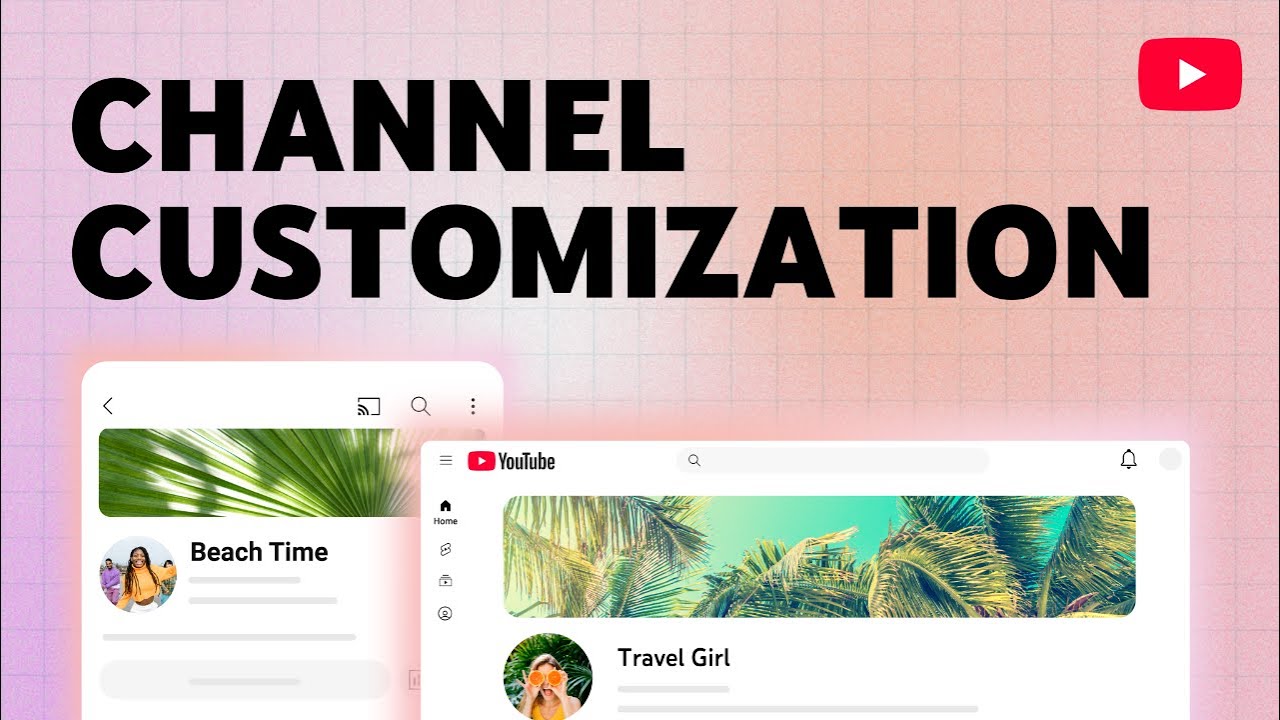
- 2 Click Upload to add your banner image. This shows at the top of your channel and can include graphics, short text, or even your upload schedule.
- 3 Upload your profile picture, if you haven’t already.
- 4 Enter a description to tell viewers what your channel is about and what they can expect.
- 5 (Optional) Add links to your website or socials, and a contact email so people can easily reach you.
Get to know
YouTube Studio
YouTube Studio is home base for creators. This is where you’ll post, add metadata, pull analytics, get messages from YouTube, and more. It’s also where you can track your progress toward eligibility in the YouTube Partner Program.
Helpful resources
Helpful resources
Get the Studio app
Use the Studio mobile app to manage your channel on the go. It’s useful for things like checking your stats, responding to comments, and publishing and managing your videos from your phone.
Start your channel
on YouTube
- 1 Sign in to YouTube using a Google account.
- 2Click your profile picture and then Settings.
- 3Click Create a new channel.
- 4Choose a profile picture, name, and handle.
- 5Click Create channel.
Now, set up your
channel basics
- 1 Click Customize channel in YouTube Studio.
- 2 Click Upload to add your banner image. This shows at the top of your channel and can include graphics, short text, or even your upload schedule.
- 3 Upload your profile picture, if you haven’t already.
- 4 Enter a description to tell viewers what your channel is about and what they can expect.
- 5 (Optional) Add links to your website or socials, and a contact email so people can easily reach you.
Customize your branding
Get to know
YouTube Studio
YouTube Studio is home base for creators. This is where you’ll post, add metadata, pull analytics, get messages from YouTube, and more. It’s also where you can track your progress toward eligibility in the YouTube Partner Program.
Helpful resources
Helpful resources
Get the Studio app
Use the Studio mobile app to manage your channel on the go. It’s useful for things like checking your stats, responding to comments, and publishing and managing your videos from your phone.
Why YouTube is the best place to create
-
Tell more of your story
Share your authentic voice with more formats than any other platform.
-
Connect with fans
Build deeper connections on the world’s most engaged community.
-
Build a sustainable career
Choose from monetization options to make money in a way that works for you.
Creator success on YouTube
Already have a channel?
Explore formats and start creating.