

Not a member yet?

Build your dream business on YouTube
YouTube offers the flexibility to create a business that works for you. Whether it’s today’s livestream or yesterday’s Short, your ideas work harder for you across every format and screen for the long haul.
To start earning on YouTube, first you’ll
need to join the YouTube Partner Program.
Join the
ultimate creative
partnership
Want to start earning from your channel? The YouTube Partner Program opens the door to monetization, personalized channel support, and exclusive tools to help you level up.


Earn more
on YouTube
For over a decade, the total amount YouTube has paid out to creators, artists, and media companies has grown every single year.*
*As of 12/31/2025
Explore ways
to earn
Once you’ve joined the Partner Program, you can start earning from your channel. Explore the options that fit your content and grow your earning potential.

Earn from all you’ve created
Earn from all you’ve created
Earn while viewers watch your content, whether from ads or YouTube Premium subscriptions.

Partner with brands, your way
Partner with brands, your way
Recommend products you love, and earn by collaborating with brands.

Engage your loyal fanbase
Engage your loyal fanbase
Cultivate relationships with dedicated viewers by offering exclusive content and experiences.
Creator success on YouTube
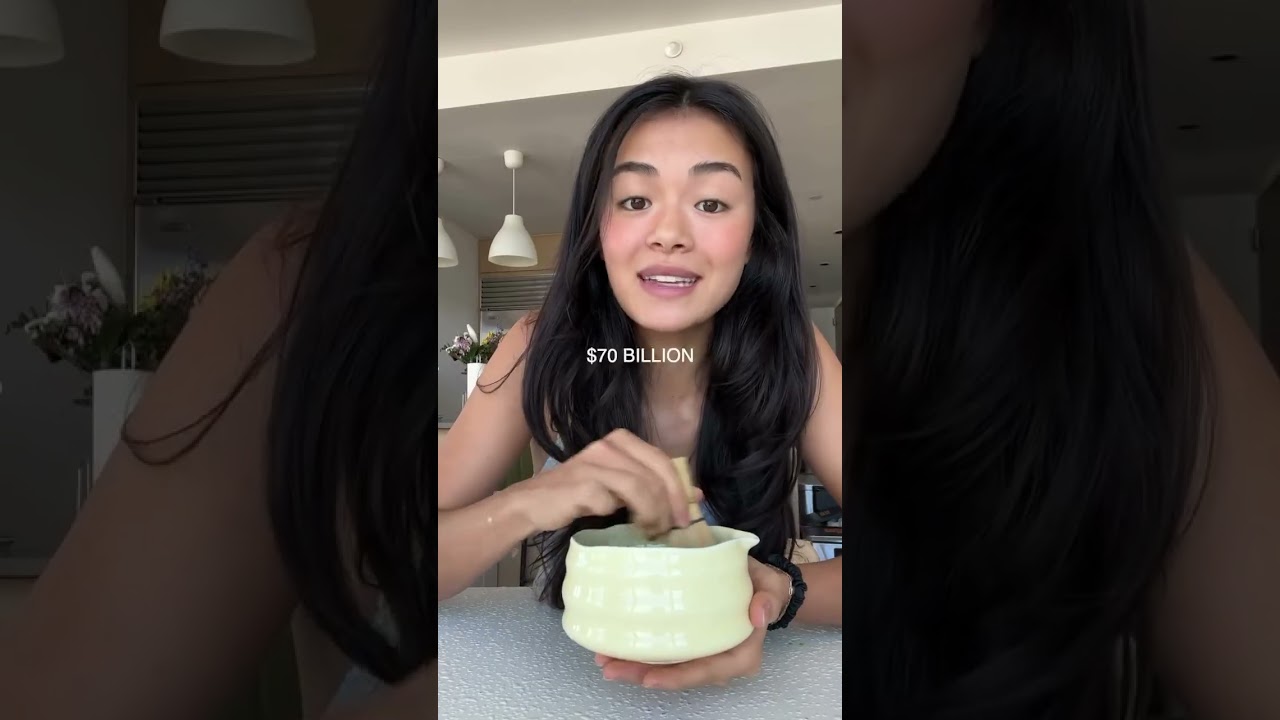
Ashley shares how she was able to pay off student loans, become financially independent, and do what she loves full time.

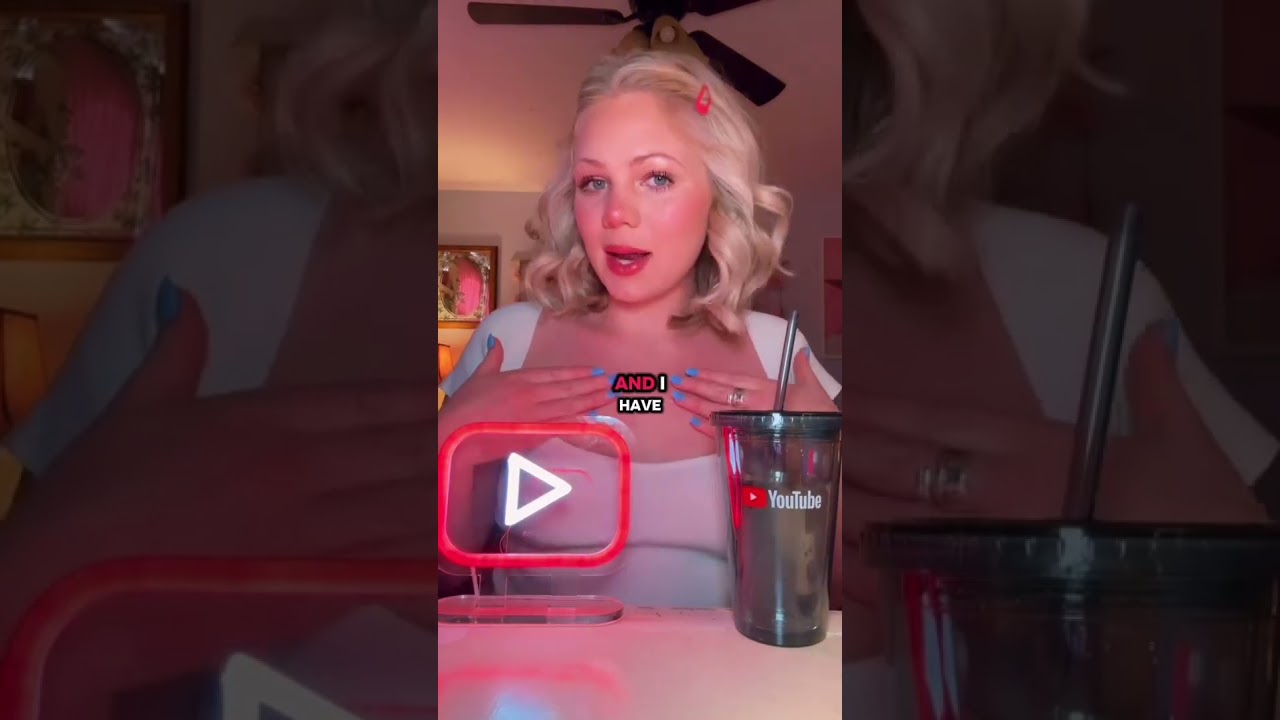
Michaila shares how she finds unparalleled opportunities to grow her business on YouTube.

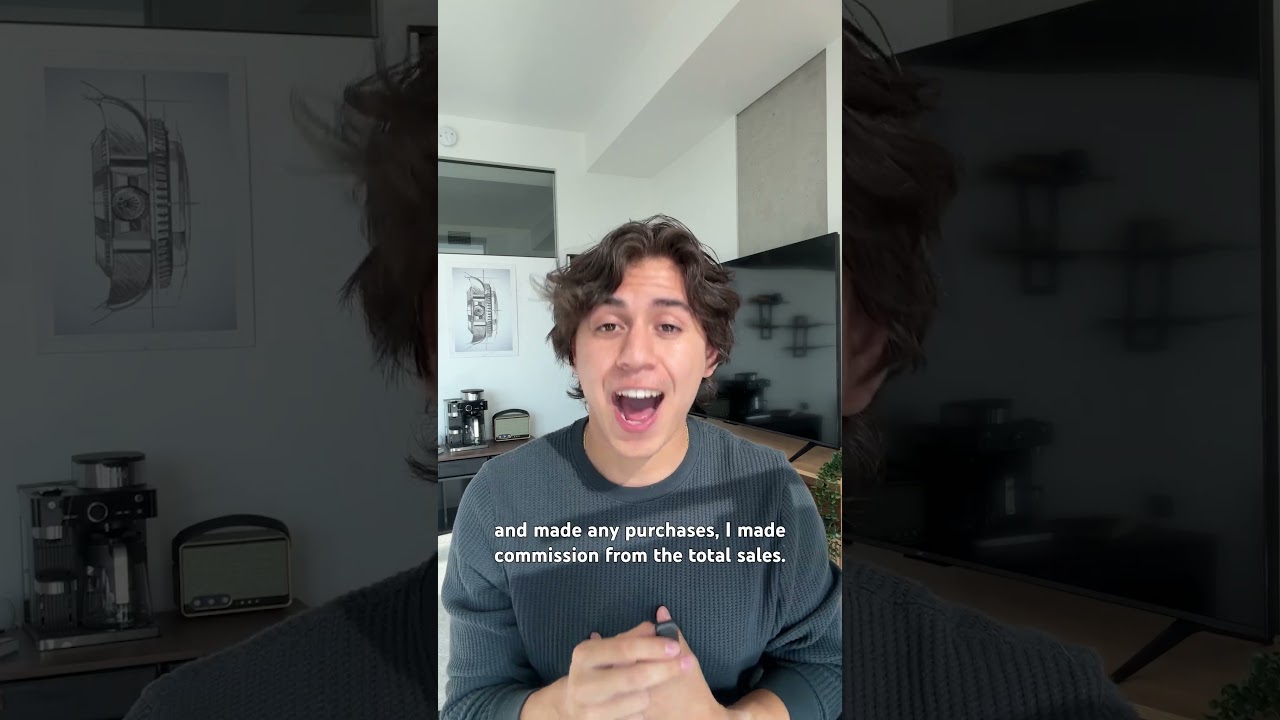
Aaron proves that authentic product recommendations allow him to earn more with YouTube Shopping.

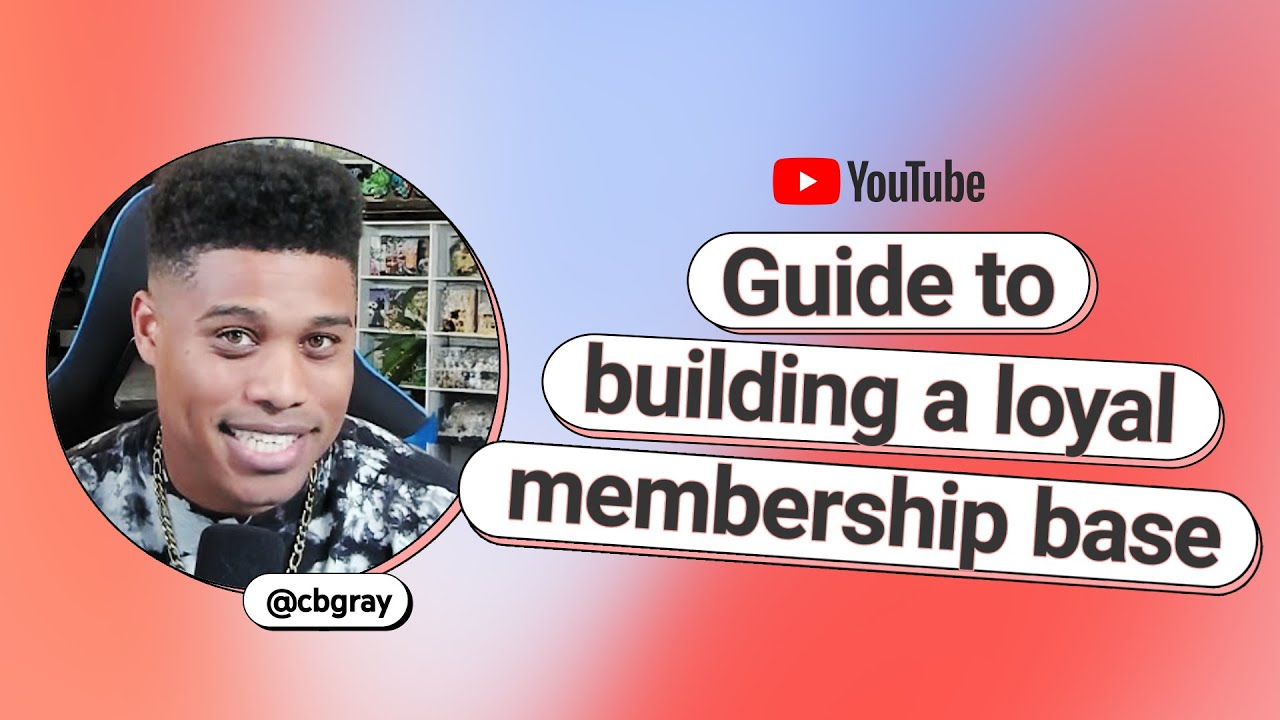
“Memberships allowed me to become a full-time creator.”

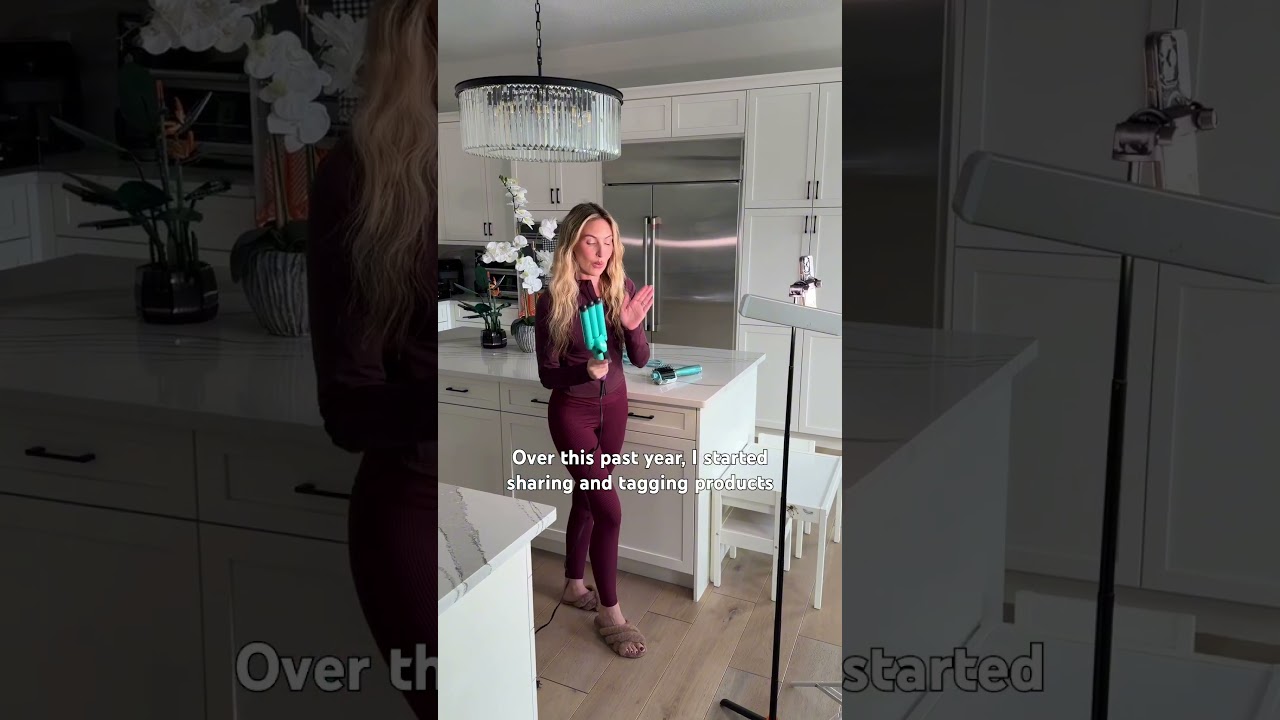
Melissa tags products she actually uses and loves with YouTube Shopping.

1 / 5
Frequently asked questions
You can monetize your channel by applying for and being accepted to the YouTube Partner Program. Only channels that follow our YouTube channel monetisation policies may be able to monetize.
You can earn on YouTube through advertising revenue, Shopping, YouTube Premium, channel memberships, Super Chat, Super Stickers, and Super Thanks. Each feature has its own set of eligibility requirements, on top of subscriber and view count requirements.
To get paid on YouTube, you have to become a member of the YouTube Partner Program. You are guided to create a new AdSense for YouTube account if you're doing so for the first time. AdSense is the primary method of payment for your YouTube earnings.
To join the YouTube Partner Program, you’ll need meet several eligibility requirements and have 500 subscribers and 3 public uploads (past 90 days) and either:
- 3,000 valid watch hours on long-form videos (past 365 days), or
- 3M valid Shorts views (past 90 days)
You can earn money on YouTube by applying for and being accepted to the YouTube Partner Program. Only channels that follow our YouTube channel monetisation policies may be able to monetize.
You can make money on YouTube through advertising revenue, YouTube Premium, YouTube Shopping, brand partnerships, channel memberships, and gifts. Each feature has its own set of eligibility requirements, on top of subscriber and view count requirements.
In order to apply to join the YouTube Partner Program, you’ll need to meet the following requirements:
- Follow the YouTube Channel Monetization Policies.
These are a collection of policies and guidelines that allow you to monetize on YouTube and compliance with them is required when you accept a partner agreement with YouTube. - Live in a country/region in which the YouTube Partner Program is available.
- Have no active Community Guidelines strikes on your channel.
- Make sure that two-step verification is turned on for your Google Account.
- Have access to advanced features on YouTube.
- Have one active AdSense for YouTube account linked to your channel or be ready to set one up in YouTube Studio if you don't already have one (only create a new AdSense for YouTube account in YouTube Studio – learn more).
See eligibility requirements here.
Once you have what you need and your channel is eligible to apply, sign up for the YouTube Partner Program from either a desktop computer or a mobile device:
- Sign in to YouTube
- In the top right-hand corner, click your profile picture and then YouTube Studio
- In the left menu, click Earn
- Select Apply now to get started
- Click Start to review and Accept the Base Terms
- Click Start to set up an AdSense for YouTube account, or link an existing active one
Once you've applied, you'll see In progress in the Be reviewed step, which means that we have received your application.
Your creator guide to YouTube


Grow
Create

Grow

Earn

Create
Grow
Earn
Create
Grow
Earn
Create
Grow
Earn
Create
Grow
Earn
Create
Grow
Earn
Create
Grow
Earn
Create
Grow
Earn
Create
Grow
Earn
Create
Grow
Earn
Create
Grow
Earn
Create
Grow
Earn